🎨 Customization
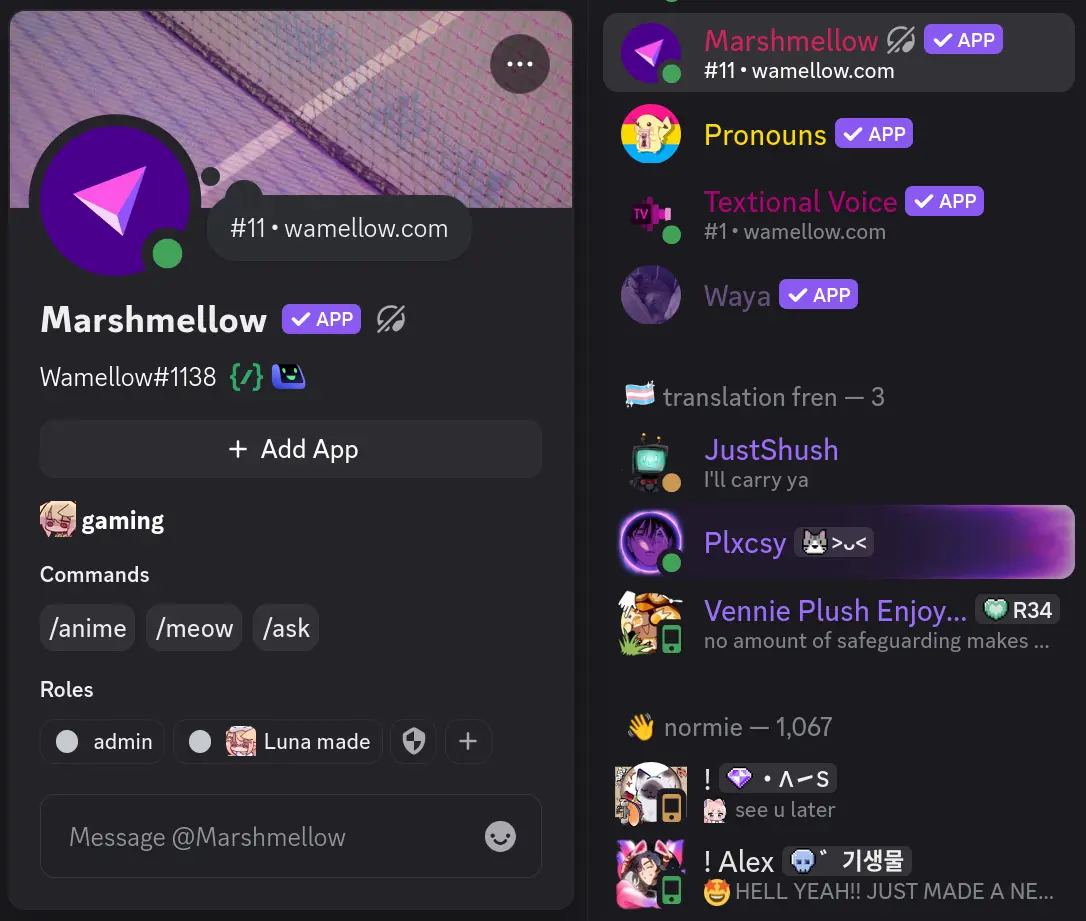
The Styles feature enables you to customize (or whitelabel) Wamellow's appearance by modifying its username, avatar, banner, and bio. These customizations apply across all bot interactions, including commands, features, and the server member list.
Setup
- Add Wamellow to your server by going to wamellow.com/add.
- Head to the dashboard by going to wamellow.com/dashboard.
- Select your server from the dashboard.
- Click Change Style at the top of the dashboard.
- Customize the username, avatar, banner, bio, display name font and effect.
- 🎉 Done! The new style will be visible across all bot interactions and in the server member list.
Username, Avatar, Banner & Bio
- Username: 2–32 characters, must not contain
@,#,:,```,discordorclydeand cannot beeveryoneorhere. - Avatar:
.png,.jpg,.jpeg,.gif,.webpor.apng, max 8MiB. - Banner:
.png,.jpg,.jpeg,.gif,.webpor.apng, max 8MiB. - Bio: Up to 190 characters.
You can also Delete the style to revert to the default Wamellow appearance.
Display Name Fonts
The Wamellow dashboard will not preview your font selection.
Choose a font for the bot's display name. The font is applied to the username wherever it is displayed.
| Font | Preview |
|---|---|
| Gg Sans (default) | 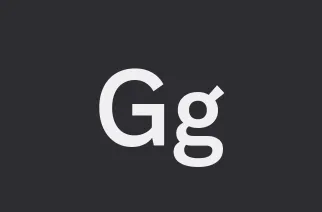 |
| Tempo |  |
| Sakura |  |
| Jellybean | 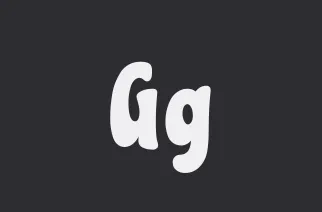 |
| Modern | 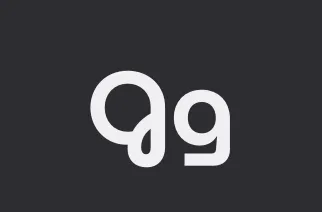 |
| Medieval |  |
| Eight Bit |  |
| Vampyre |  |
| Monkey Bars | 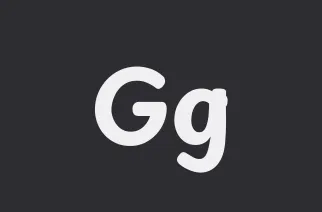 |
| Main Frame |  |
| Head Bang |  |
| Journal |  |
Display Name Effects
The Wamellow dashboard will not preview your effect selection.
Choose an effect for the display name. Effects are rendered on top of the selected font.
| Effect | Preview |
|---|---|
| Solid (default) | 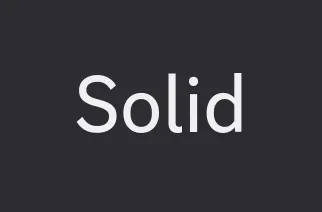 |
| Gradient | 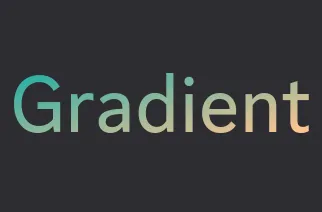 |
| Neon | 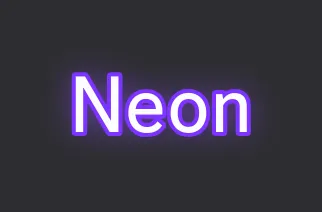 |
| Toon | 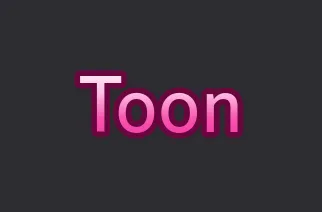 |
| Pop |  |
| Prism | 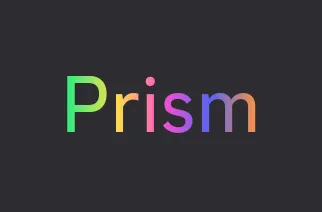 |
| Gummy |  |
 mwlica